
WhatsApp and Texting for UK Trades

UK homeowners now message tradespeople the way they message friends. SMS and WhatsApp Business are no longer optional channels — they are where quotes get confirmed, photos get sent, and missed calls get rescued. This guide covers missed-call text-back, two-way messaging, the consent rules under PECR and UK GDPR, and the practical setup that turns texting into a conversion engine without breaking the law or annoying customers.
Pick up almost any UK homeowner's phone and you will find the same pattern: they message the people they trust and ignore calls from numbers they do not recognise. For a trades business, that has a direct commercial consequence. The channels where your customers actually want to deal with you are SMS and WhatsApp — and the trades that meet them there convert more enquiries into booked jobs.
This guide covers how to use business texting and WhatsApp Business properly: the missed-call text-back that rescues lost leads, two-way messaging that closes quotes, and — crucially — the UK consent rules under PECR and GDPR that keep you on the right side of the law.
Why Messaging Beats the Voicemail Era
For years the trades workflow was simple and lossy: the phone rang, you were under a sink, it went to voicemail, and the customer rang the next trade. Voicemail is a black hole — most people do not leave one, and of those who do, many never get called back in time.
Messaging changes the economics:
- It is asynchronous. A customer can text at 9pm; you reply at 9.15pm. Neither of you has to be free at the same instant.
- It creates a record. What was quoted, what was agreed, when you are coming — all written down, reducing disputes.
- It is rich. A customer can send a photo of the fault; you can send a quote as a document.
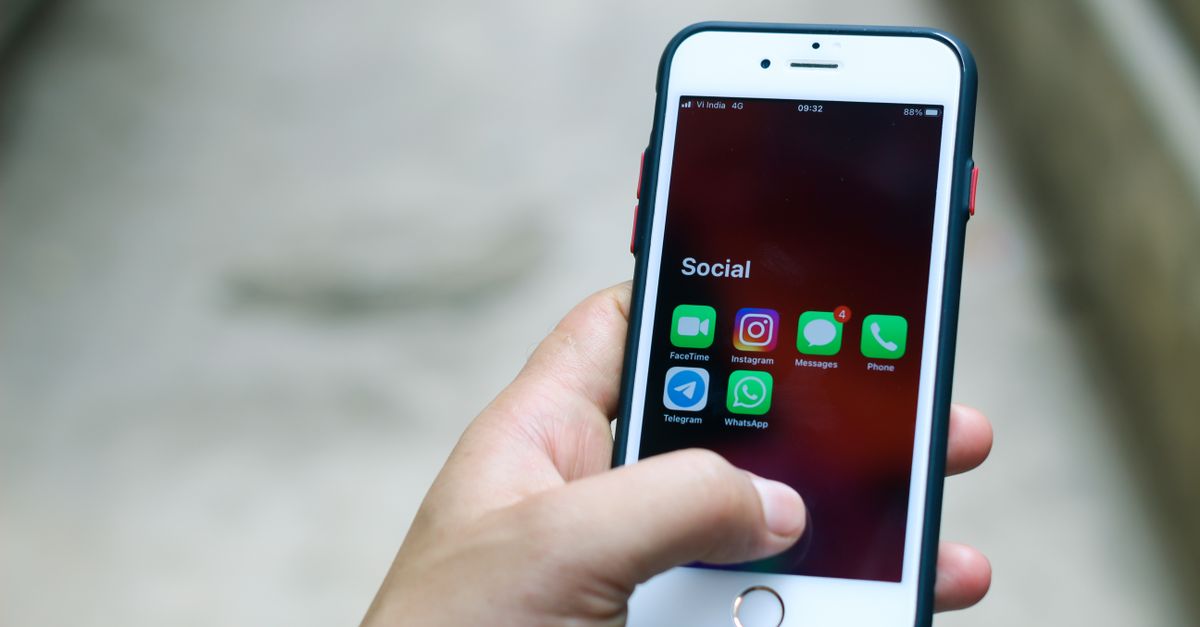
- It matches behaviour. WhatsApp alone is used by around 90% of UK online adults, according to Ofcom's Online Nation report. Your customers are already there.
The trade that still relies on "leave a message and I'll get back to you" is competing against trades who reply in two minutes with a tidy text. That gap is where jobs are won and lost.
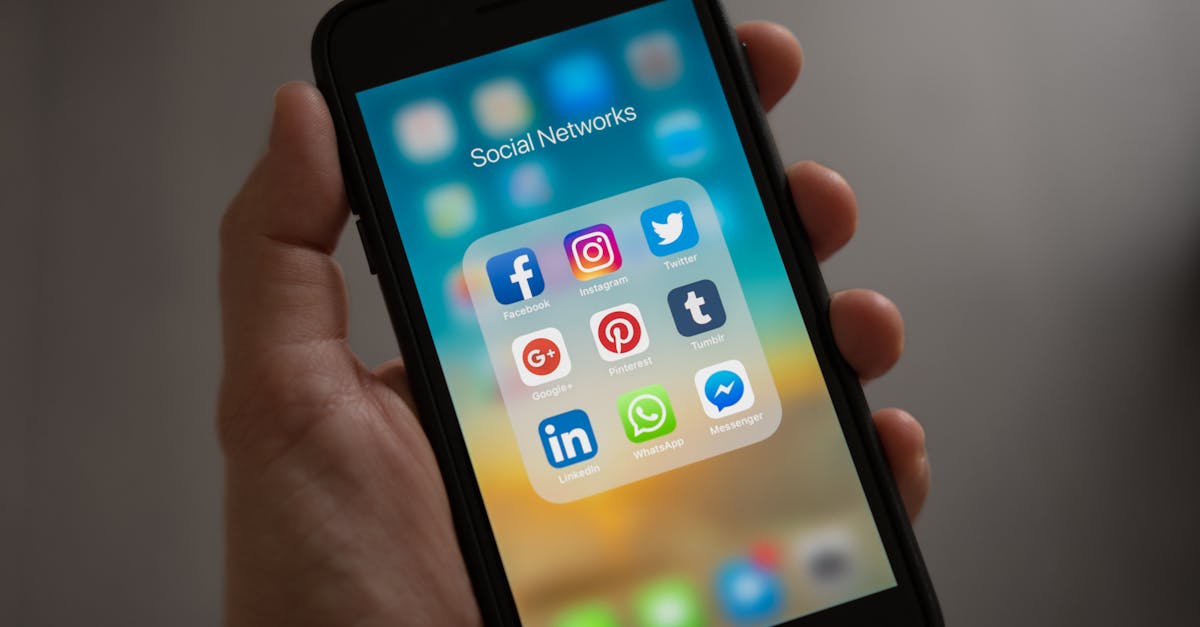
Missed-Call Text-Back: The Single Highest-Return Automation
If you implement only one thing from this guide, make it missed-call text-back. The concept is simple: the instant you miss an inbound call, the system automatically sends a text.
A good missed-call text reads:
"Hi, sorry I missed your call — I'm on a job right now. Can I call you back shortly, or reply here with what you need and I'll sort it? — [Your name], [Business]"
Why it works:
- It catches the lead at peak intent. They rang because they have a problem now. A reply within seconds keeps them with you instead of dialling the next number.
- It is automatic. No reliance on you remembering to call back between jobs.
- It opens a conversation. Many customers reply with the detail there and then, so by the time you are off the ladder you already know the job.
The alternative — silence followed by a callback an hour later — frequently arrives after the customer has already booked someone else. We quantify exactly how much this costs in the real cost of missed calls for tradespeople.
Compliance note: a missed-call text-back is a service response to someone who just contacted you, not unsolicited marketing, so it is straightforward under PECR. Keep it about the enquiry, not a sales pitch.
Two-Way Messaging: Where Quotes Get Closed
Outbound automation rescues leads; two-way conversation closes them. This is where WhatsApp Business earns its place. A typical job conversation might run:
- Customer messages a photo of a leaking pipe.
- You reply with a rough idea, ask one or two questions, and offer a slot.
- You send a written quote as a PDF in the chat.
- They confirm, and you send an appointment reminder the day before.
Everything is in one thread, with photos and the agreed price written down. For the customer it feels effortless; for you it reduces no-shows, scope disputes, and chasing.
Good practice for two-way messaging:
- Use a proper business profile. WhatsApp Business lets you set your trading name, hours, and a logo, so you do not appear as an anonymous mobile number.
- Set quick replies. Save canned answers for common questions (areas covered, call-out fee, availability) to reply in one tap.
- Keep it tidy. Full sentences, your name, no jargon. A scruffy message undoes the trust a clean one builds.
- Confirm in writing. Always restate the agreed price and date in the chat before the visit.
This dovetails with how you handle quotes generally — see quotes that win more jobs for the structure and timing that convert.
The UK Rules: PECR, GDPR, and the Soft Opt-In
This is the part most "just text your customers" advice skips, and it is the part that can land you in trouble. UK electronic marketing is governed by the Privacy and Electronic Communications Regulations (PECR), enforced by the Information Commissioner's Office (ICO), sitting alongside UK GDPR.
The core distinction: service vs marketing
- Service messages — appointment confirmations, "I missed your call", a quote for a job they asked you about, a "how did it go?" check — are not marketing. These are generally fine.
- Marketing messages — promotions, "we're offering 10% off boiler services this month", broadcasts to a list — need a lawful basis.
Consent and the soft opt-in
For marketing texts to individuals, PECR requires consent unless the soft opt-in applies. The ICO's soft opt-in lets you market to your own existing customers about similar products or services, provided all of these are true:
- You obtained their contact details in the course of a sale or negotiation for a sale.
- You are only marketing your own similar products or services.
- You gave them a simple opt-out when you first collected the details.
- You include a simple opt-out in every message.
| Scenario | Marketing or service? | Lawful basis |
|---|---|---|
| Reply to a customer who messaged you first | Service | No issue |
| Missed-call text-back | Service | No issue |
| Appointment reminder | Service | No issue |
| Boiler-service promo to past boiler customers | Marketing | Soft opt-in (with opt-out) |
| Promo blast to a bought-in list | Marketing | Consent required — soft opt-in does NOT apply |
The soft opt-in does not cover prospects, bought-in lists, or new contacts. For those you need genuine, specific consent. Always honour opt-outs immediately, and never share customer numbers without a lawful basis.
This guide explains the principles in plain terms; it is not legal advice. For anything material, check the ICO guidance directly or take professional advice.
WhatsApp-Specific Considerations
WhatsApp is not a free pass around the rules. The same PECR and GDPR logic applies when a WhatsApp message is marketing.
- Inbound conversations are fine. If a customer messages you first, you are having a service conversation.
- Broadcasts are marketing. Sending a promotional broadcast to a list of contacts needs the same lawful basis as any other marketing message, plus an opt-out.
- Personal vs Business app. WhatsApp Business gives you a professional profile, labels, quick replies, and an away message — well worth the free upgrade from the personal app.
- Data handling. Customer phone numbers and chat content are personal data. Store them securely and only for as long as you need them.
For trades doing higher volumes, the WhatsApp Business Platform (API) supports templated, opt-in messaging at scale, but most small trades are well served by the free Business app plus an SMS automation tool.

Fitting Messaging Into Your Conversion System
Texting is not a standalone tactic; it is one layer of a conversion system. The layers reinforce each other:
| Layer | Channel | Job it does |
|---|---|---|
| Catch the lead | Missed-call text-back (SMS) | Stops the lead ringing a competitor |
| Qualify and quote | WhatsApp / SMS two-way | Gathers detail, sends the quote |
| Confirm and remind | SMS | Reduces no-shows |
| Follow up | SMS / WhatsApp | Chases undecided quotes |
| Aftercare and reviews | SMS | Drives repeat work and reviews |
An AI phone receptionist can sit in front of this, answering calls you cannot take and handing structured details into your messaging follow-up. Together they close the gap between an enquiry arriving and a job being booked. For the broader strategy, see the conversion pillar, and for tooling, the CRM for trades businesses guide.
Messaging is also the delivery mechanism for customer aftercare and repeat revenue — the same channel that wins the job keeps the relationship alive.
Message Templates That Work
You do not need to reinvent the wording each time. A small library of templates, written once in your own voice, keeps messages fast, consistent, and professional. Adapt these to your trade:
- Missed-call text-back: "Hi, sorry I missed your call — I'm on a job. Reply here with what you need, or let me know a good time to ring you back. — [Name], [Business]"
- Web enquiry acknowledgement: "Thanks for your enquiry, [Name]. I've got it and I'll come back to you within the hour with next steps. — [Business]"
- Appointment confirmation: "Confirming I'll be with you [day] between [time]. Anything change, just reply here. — [Name]"
- Quote follow-up: "Hi [Name], just checking you received my quote for the [job]. Happy to talk through anything — no pressure. Reply STOP to opt out."
- Review request: "Thanks for having us out, [Name]. If you were happy with the work, a quick Google review would mean a lot: [link]."
Two rules make templates work. First, always personalise the name and the job — a blank-mail-merge feel undoes the benefit. Second, on anything that edges toward marketing, include the opt-out. Service confirmations do not need one; promotional nudges do.
| Template | Marketing or service? | Opt-out needed? |
|---|---|---|
| Missed-call text-back | Service | No |
| Enquiry acknowledgement | Service | No |
| Appointment confirmation | Service | No |
| Quote follow-up (existing enquiry) | Borderline | Safer to include |
| Promotional offer | Marketing | Yes |
For the quoting side of this — what goes in the quote you send by message — see quotes that win more jobs.
Common Mistakes to Avoid
- Texting from an unbranded personal number with no name or context — looks like spam.
- Treating marketing as service to dodge consent — the ICO looks at substance, not labels.
- Ignoring opt-outs — a single ignored opt-out can trigger a complaint.
- Slow replies — messaging implies immediacy; an hour feels like a day.
- No record-keeping — keep evidence of consent and a clean opt-out process.
- Over-messaging — a barrage of promos burns goodwill fast. Relevance beats frequency.
60-Day Messaging Setup Plan
| Week | Action | Cost |
|---|---|---|
| 1 | Set up WhatsApp Business profile (name, hours, logo) | Free |
| 1 | Write and save quick replies for common questions | Free |
| 2 | Implement missed-call text-back via your CRM or a messaging tool | £20-£80/mo |
| 3 | Add a PECR-compliant opt-out line to outbound templates | Free |
| 4 | Build appointment-reminder and quote-follow-up templates | Free |
| 5 | Document your consent and opt-out process (soft opt-in checklist) | Free |
| 6 | Add a review-request text to your job-completion flow | Free |
| 7 | Train anyone answering messages on tone and speed | Free |
| 8 | Review reply times and conversion; refine templates | Free |
Where to Go Next
Messaging is where modern UK trades win and keep customers. Set it up properly — fast, branded, and compliant — and it pays back quickly.
- The real cost of missed calls for tradespeople
- Lead follow-up for trades businesses
- AI phone receptionist for tradespeople
- Quotes that win more jobs
- CRM for trades businesses guide
- Customer aftercare and repeat revenue for trades
- The science of speed to lead
- Conversion — turn enquiries into bookings
- Operations — run a smoother business
- Marketing glossary for trades
- All blog articles
We answer before we start
Q/01Is it legal to text customers as a UK trades business?
Yes, within rules. The Privacy and Electronic Communications Regulations (PECR), enforced by the ICO, govern marketing texts. You generally need consent to send marketing messages, but the 'soft opt-in' lets you text your own existing customers about similar services if you gave them an opt-out when you collected their details and include one in every message. Service messages — appointment confirmations, 'I just missed your call', quote follow-ups for a job they enquired about — are not marketing and sit on much safer ground. When in doubt, always offer a way to opt out.
Sources & resourcesQ/02What is missed-call text-back and why does it matter?
Missed-call text-back automatically sends a text the moment you miss an inbound call: 'Hi, sorry I missed you — I'm on a job. Can I call you back, or reply here with what you need?' It matters because a homeowner with a problem will simply ring the next trade on the list. An instant, automated text holds that lead for you instead of losing it to silence. For trades who cannot answer every call, it is one of the highest-return automations available.
Sources & resourcesQ/03Should I use SMS or WhatsApp Business for my trade?
Use both, for different jobs. SMS is universal, needs no app, and is ideal for missed-call text-back, appointment reminders, and review requests — it reaches every phone. WhatsApp Business is excellent for richer two-way conversations: sending quotes as documents, receiving photos of a leak or a faulty boiler, and ongoing back-and-forth. WhatsApp is used by around 90% of UK online adults according to Ofcom, so most of your customers already have it. Many trades default to SMS for outbound automation and WhatsApp for conversation.
Sources & resourcesQ/04Do I need separate consent for WhatsApp messages?
The same PECR and UK GDPR principles apply to WhatsApp as to SMS when the message is marketing. If a customer messages you first via WhatsApp about a job, replying to them is a service conversation, not unsolicited marketing. Sending promotional WhatsApp broadcasts to a list, however, needs the same lawful basis as any marketing — consent or the soft opt-in — plus an easy opt-out. Treat WhatsApp marketing exactly as cautiously as email or SMS marketing.
Q/06Will texting customers make my trade look unprofessional?
Quite the opposite, when done well. A clear, well-written message with your business name and a tidy signature reads as organised and modern. Customers increasingly prefer messaging to phone calls because it is convenient and creates a written record of what was agreed. The unprofessional look comes from typos, no signature, sending from a random personal number with no context, or pushy marketing — not from the channel itself.

